Display tool
Timer
A themed countdown the whole class can see.
Put a big, readable timer on the board for activities, transitions, and clean-up. Pick a theme, set the time, and the class keeps an eye on the clock without you counting down the minutes.
Free with every TeacherStack account
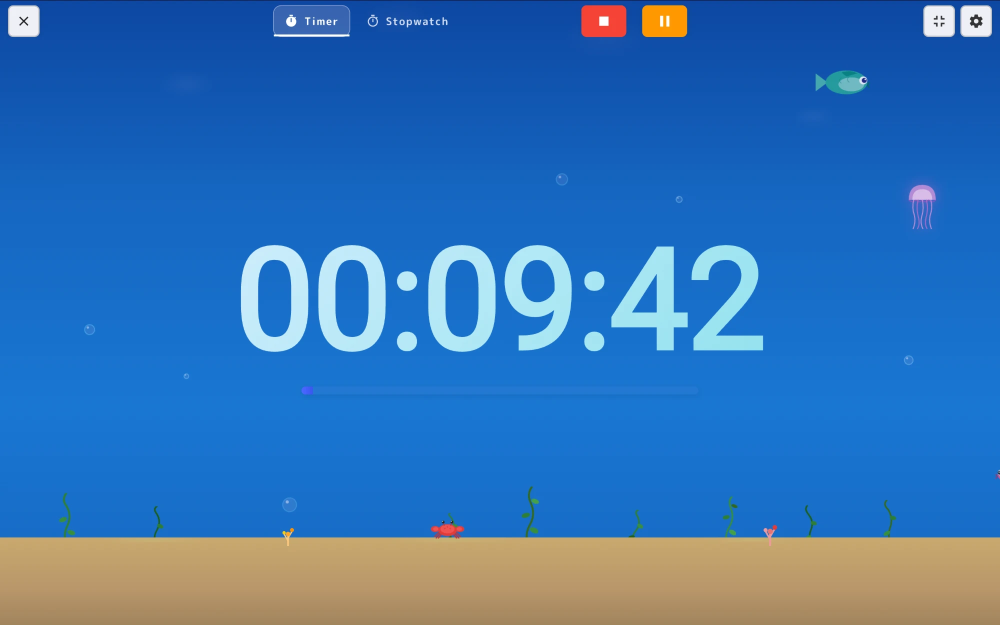
On the classroom display
How it works
Timer in three steps
Here’s the whole flow, start to finish.
1
Set the time
Tap a preset or dial in any duration, and name it if you like — "Silent reading", "Pack up".
2
Pick a theme
Choose a look that fits the moment, from calm to high-energy, with optional end chimes.
3
Launch to the board
Full-screen on your projector. Pause, add a minute, or reset without leaving the activity.
Small things that keep the room calm
A countdown should lower the temperature of the room, not raise it.
Visual progress
A slim progress bar beneath the digits shows how much time is left, so even pre-readers can see at a glance.
End on your terms
Choose how time's up sounds, from a soft chime to a cheerful melody — or keep it silent.
Timer or stopwatch
Flip to stopwatch mode to see how long something takes, then switch back — same big, readable face.
Themes
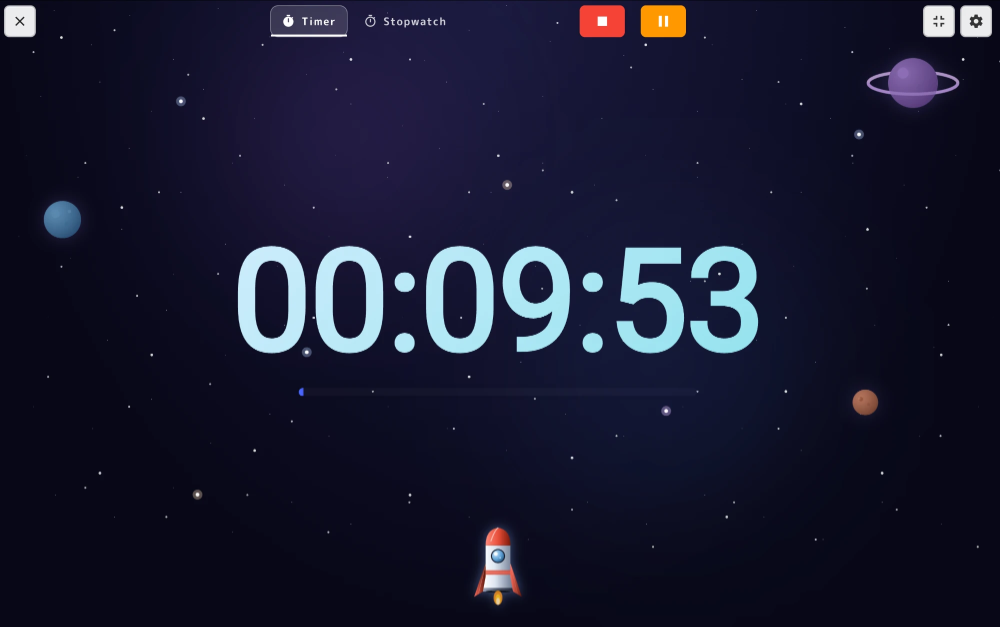
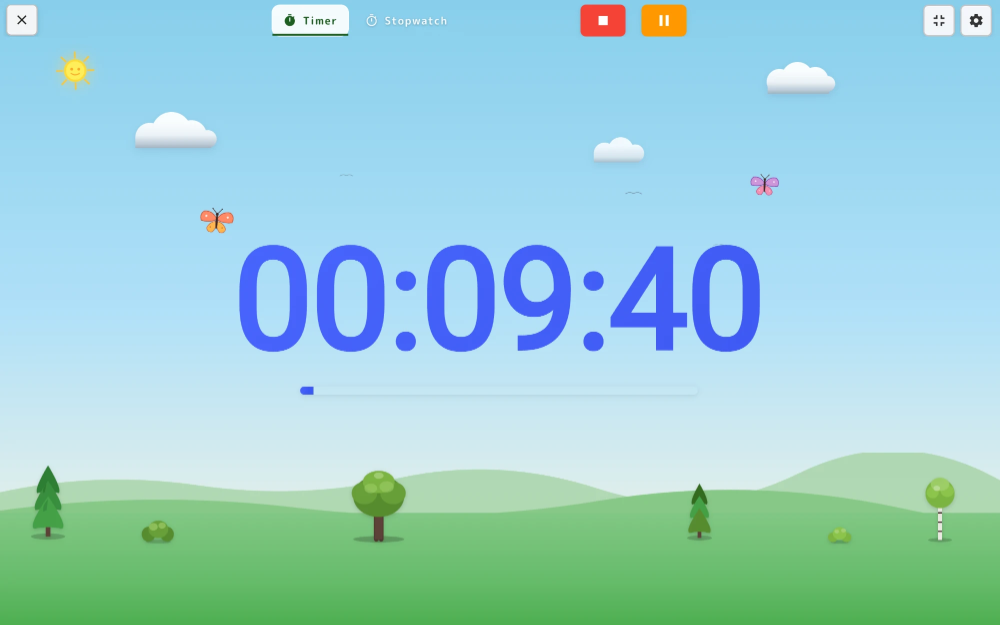
Themed scenes behind the countdown
Same big countdown, dressed for the activity — pick a scene that fits the energy you want in the room.
Lives on the whiteboard
Launch it full-screen on your projector so every student watches the same countdown and learns to pace their own work against it.