Teacher tool
Lessons
Lesson plans worth keeping.
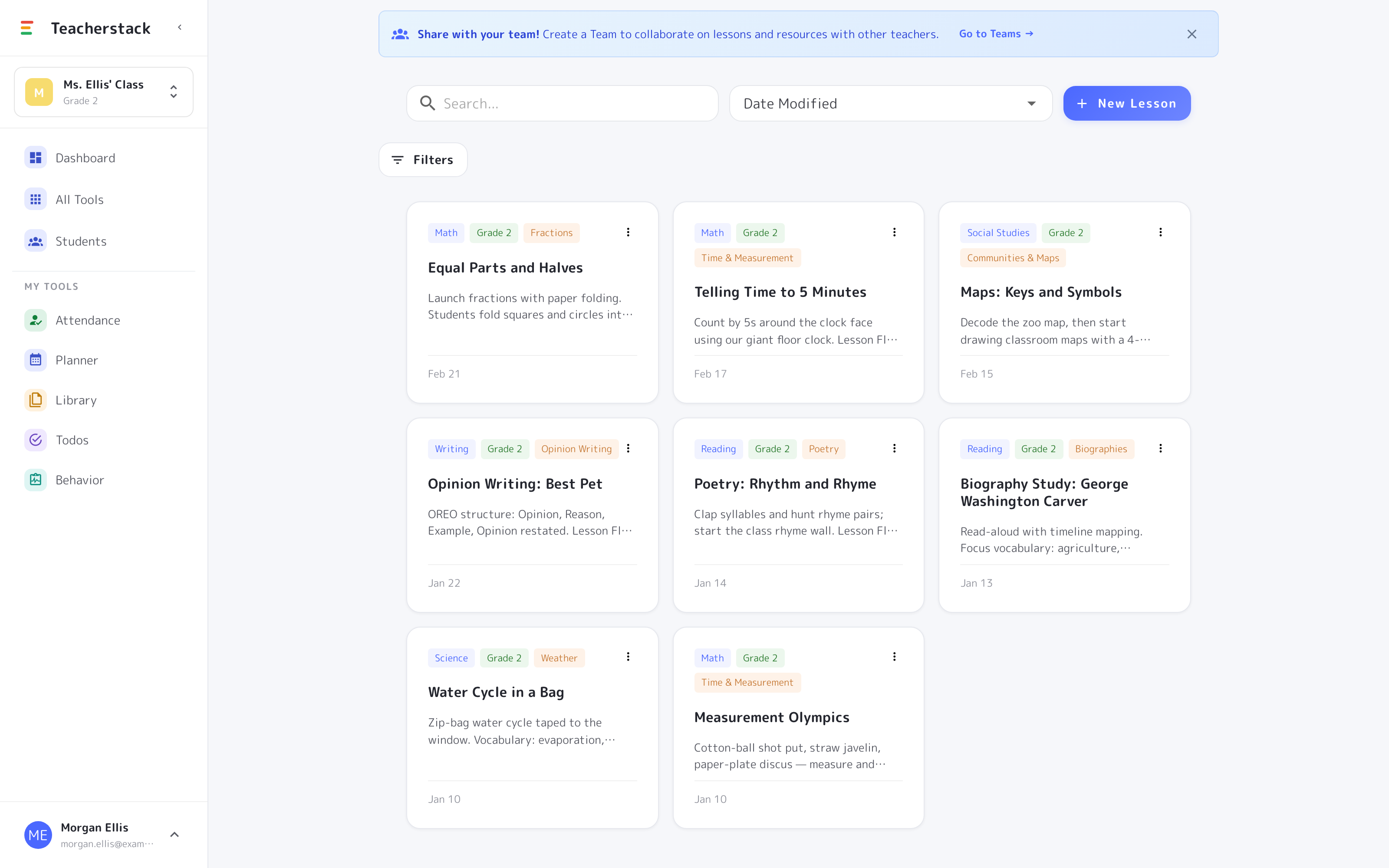
Write rich lesson plans, attach resources, and organize them by grade, subject, and unit — then drop them straight onto your planner.
Free with every TeacherStack account
How it works
Write a plan once, teach it for years
From a blank page to a lesson on the calendar.
1
Write a plan
Use the rich text editor to capture objectives, steps, and notes.
2
Attach resources
Link files and materials from your library right into the plan.
3
Add to your planner
Schedule a lesson onto any day with a click — and reuse it later.
Plans you’ll actually reuse
A good plan is worth reaching for again next year.
Write a real plan
Capture objectives, steps, and notes in a full rich-text editor, with room to write the way you teach.
Tagged by subject & unit
Label each plan by subject, grade, and unit, then filter or search straight to it.
Attach your materials
Link resources from your Library right into a lesson so everything travels together.
Share with your team
Hand a single lesson — or a whole set — to your grade-level team.
The lesson shelf
Plans that stay organized
Write it once, tag it, and find it again next week or next year.
- 1Tagged by subject & unitEach plan carries its subject, grade, and unit, so a shelf of them stays easy to scan.
- 2Search or filter to itJump to any lesson by keyword, or filter down to one subject or unit in a click.
- 3Reuse and shareDuplicate a plan for next year, or share it — or a whole set — with your team.
This year's plan, next year's head start
Objectives, steps, and materials stay together in one plan — drop it onto any day this term, and reach for it again next year instead of starting over.
Get Lessons and the whole stack
One free account includes every TeacherStack tool.
Sign up — it's free