Display tool
Noise Meter
A live read on class volume.
A meter on the board shows the room how loud it's getting, with presets for quiet work, partner talk, or group time. When the volume creeps up, students can see it for themselves.
Free with every TeacherStack account
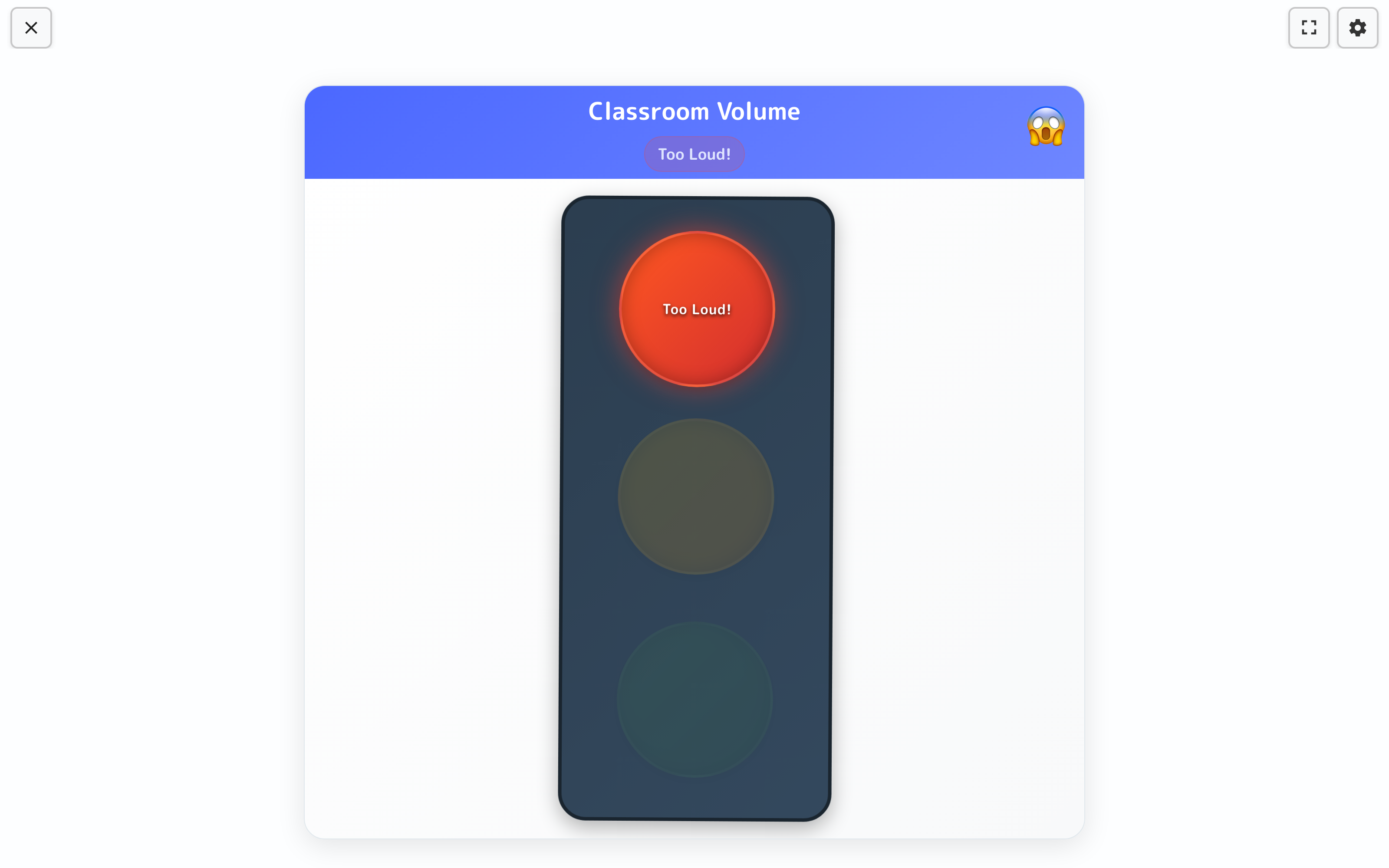
On the classroom display
How it works
Noise Meter in three steps
Here’s the whole flow, start to finish.
1
Pick an activity level
Choose a preset — silent work, partner talk, or group time.
2
Display on the board
The meter shows the room’s volume against your target.
3
Class self-regulates
Students catch the volume creeping up and lower their voices.
Volume the whole room can see
Built so the class watches its own volume instead of waiting to be told.
A stoplight for volume
Green, yellow, red — the room reads its own volume at a glance, no numbers to decode.
Reacts in real time
The light shifts and a status like “Too Loud!” pops up the moment the room creeps past your target.
Set the target
Choose how much noise is okay for the moment — silent work, partner talk, or group time.
Settles the room for you
Students see the light change and bring the volume back down on their own.
How it reads the room
A volume everyone can see
No decibels, no lecture — just a stoplight the whole class understands, right up on the board.
- 1Green, yellow, redA simple stoplight shows the room’s volume — no numbers to read, just a color everyone understands.
- 2It calls it outWhen the class gets too loud, the light turns red and a friendly “Too Loud!” nudge pops up.
- 3The room settles itselfStudents glance up, see the color change, and adjust on their own — a visual cue instead of a reminder from you.
Lives on the whiteboard
The meter lives on the display so the room can see its own volume — students settle themselves before you ever have to raise your voice.
Get Noise Meter and the whole stack
One free account includes every TeacherStack tool.
Sign up — it's free