Display tool
Roll Call
Morning attendance, taken at the board.
Students mark themselves present with a tap as they arrive — a warm morning ritual on the display. You get the record without calling a single name.
Free with every TeacherStack account
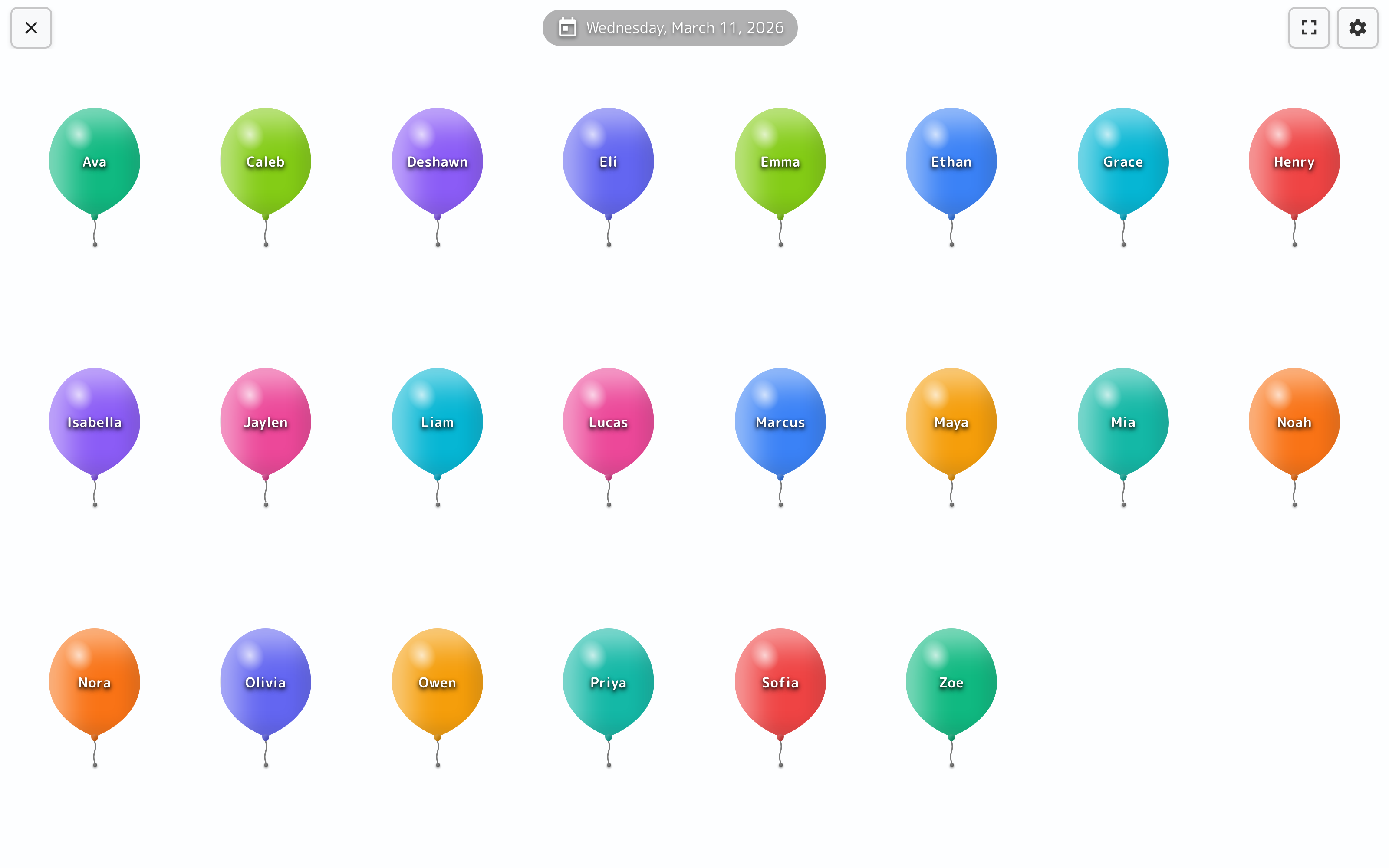
On the classroom display
How it works
Roll Call in three steps
Here’s the whole flow, start to finish.
1
Launch on arrival
Put Roll Call on the board as students walk in for the day.
2
Students tap in
Each student finds their name and checks themselves present.
3
Attendance is done
Marks flow straight to your attendance records the moment students tap.
A warm way to take the register
Attendance can be a good start to the day, not a chore.
A balloon per student
The class shows up as a wall of named balloons — each student just finds theirs and taps.
Runs while you greet the door
Check-in happens at the board while you welcome students in — by the bell, the class is marked.
One record per morning
Each day's check-in saves under its own date, so yesterday never mixes with today.
Feeds Attendance
Every tap flows straight into your Attendance records — no clipboard, no names called aloud.
On the board
Students check themselves in
Students walk in, find their balloon, and tap — you get the register without calling a single name.
On the classroom display
- 1A balloon with every nameThe class arrives as a grid of named balloons, so each student spots theirs at a glance.
- 2Tap to check inOne tap marks a student present — no line at the door, no names called out loud.
- 3It lands in AttendanceEvery check-in flows straight to your records, timestamped under that day’s date.
Lives on the whiteboard
It greets students on the display as they walk in, and attendance gets recorded while you're busy at the door.
Get Roll Call and the whole stack
One free account includes every TeacherStack tool.
Sign up — it's free