Review games
that run themselves.
Eleven games that play from your own question banks. Tap Start and teach from anywhere in the room. Questions advance, answers reveal and scores add up on their own.
Savanna, Reef and Arctic art adapted from Shy Safari (teacher.dev, Apache 2.0). Not affiliated with teacher.dev.
Critter Quest: every right answer brings an animal out
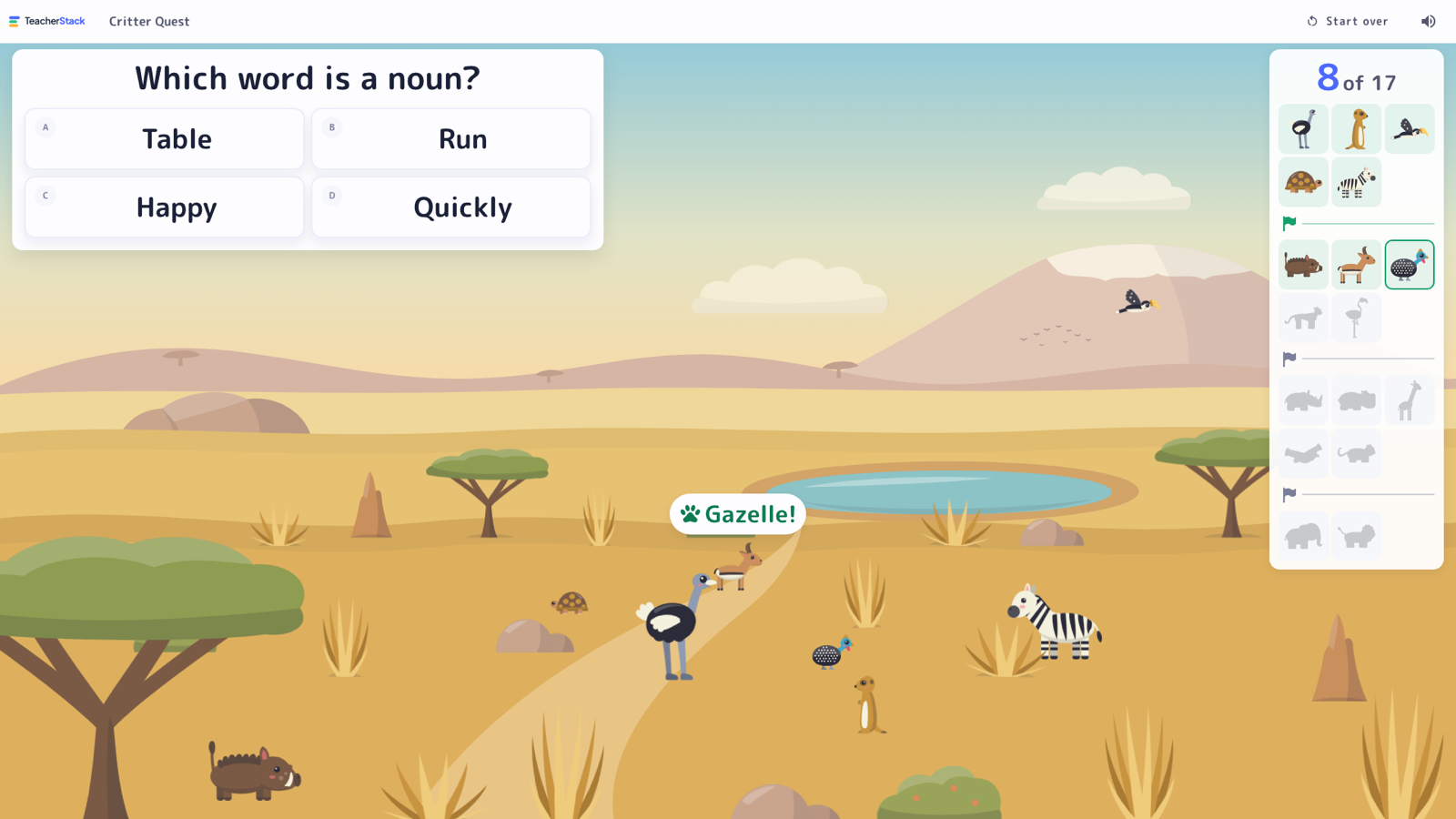
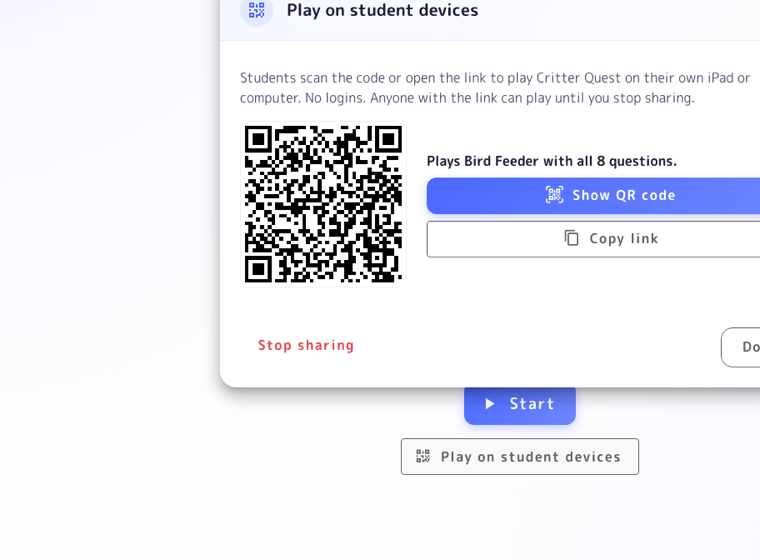
The class works together to find every shy animal in a scene. Each right answer brings a new one out. Rare animals come last, so the elephant and lion are the big finish.
Each arrival is named
A label like "Zebra!" pops up as each animal arrives, giving the class a word to say out loud.
A field guide shows the goal
Silhouettes show every animal still to find, so the class always knows how close it is.
Camps keep it winnable
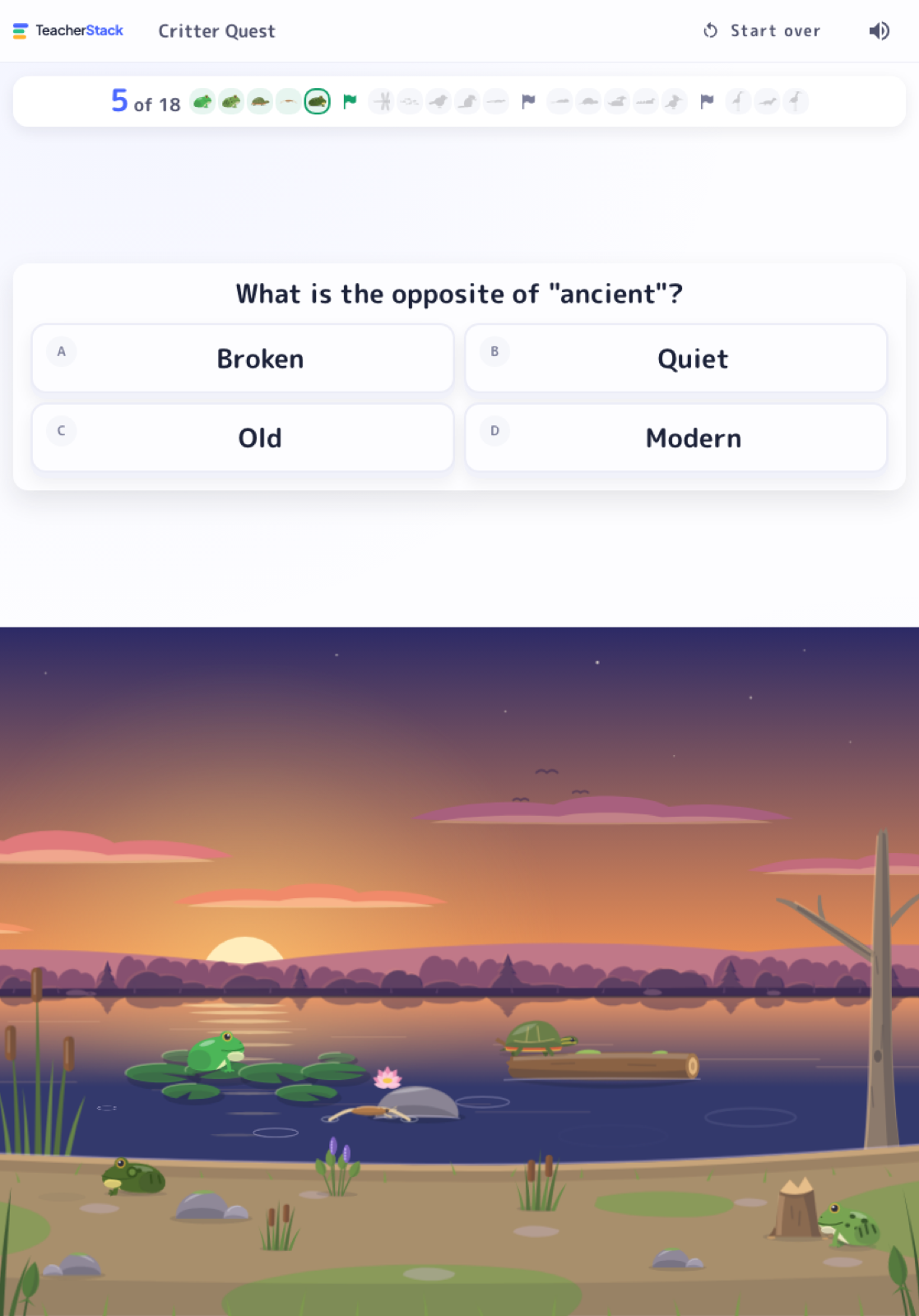
Every fifth animal is a camp. A miss only hides the animals since the last camp. A round takes about 35 questions.
A miss teaches, never blames
The right answer stays up for a moment and the student's name is hidden, so nobody is singled out.
Everyone gets a turn
Everyone goes before anyone repeats. Skip anyone who's absent or not ready.
A class record to beat
Each scene keeps the class's best round. You choose how hard misses are, up to Expert.
Eleven scenes to explore
From Bird Feeder and Tide Pool to Coral Reef and Prehistoric, each with its own animals.
Send it to student devices with a QR code
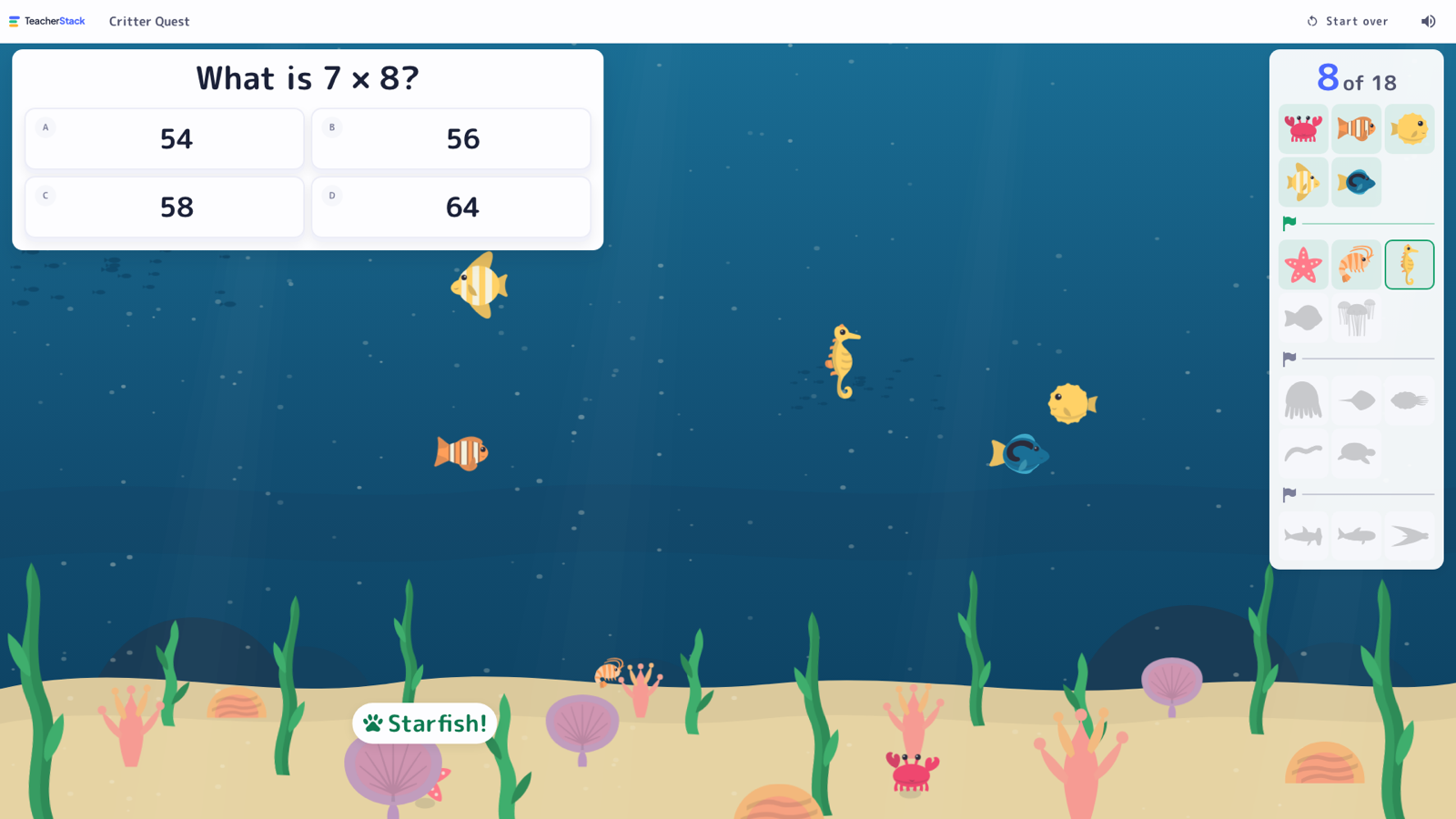
Tap Play on student devices and show the QR code. Students scan it and play on their own. No logins, no accounts.
- One link per bank, so a printed QR code keeps working
- No names, scores or answers are collected
- Edits to the bank show up automatically
- Stop sharing anytime
One bank, eleven ways to play
Play as a whole class, in teams, or one student at a time.
Write the questions once. Play them every way.
Every game runs on a question bank, so you write questions once instead of setting up each game.
Start from a ready-made bank
Browse starter banks by grade and subject, then edit them or add your own.
Draft questions with any AI
Copy a prompt into ChatGPT, Claude or Gemini and paste the reply back. You review every question, and no student data leaves TeacherStack.
Easy, on-level and stretch
Tag questions by difficulty to play just the warm-ups or just the challenges.
Share with your team
Your grade-level team can use the same bank without retyping it.
Made for the board at the front of the room
Tap Start and the game runs itself. No need to stand at the computer.
Bring your next review to life
Every game, Critter Quest included, is free with a TeacherStack account.
Sign up — it's free