Teacher tool
Students
One roster, every student's story.
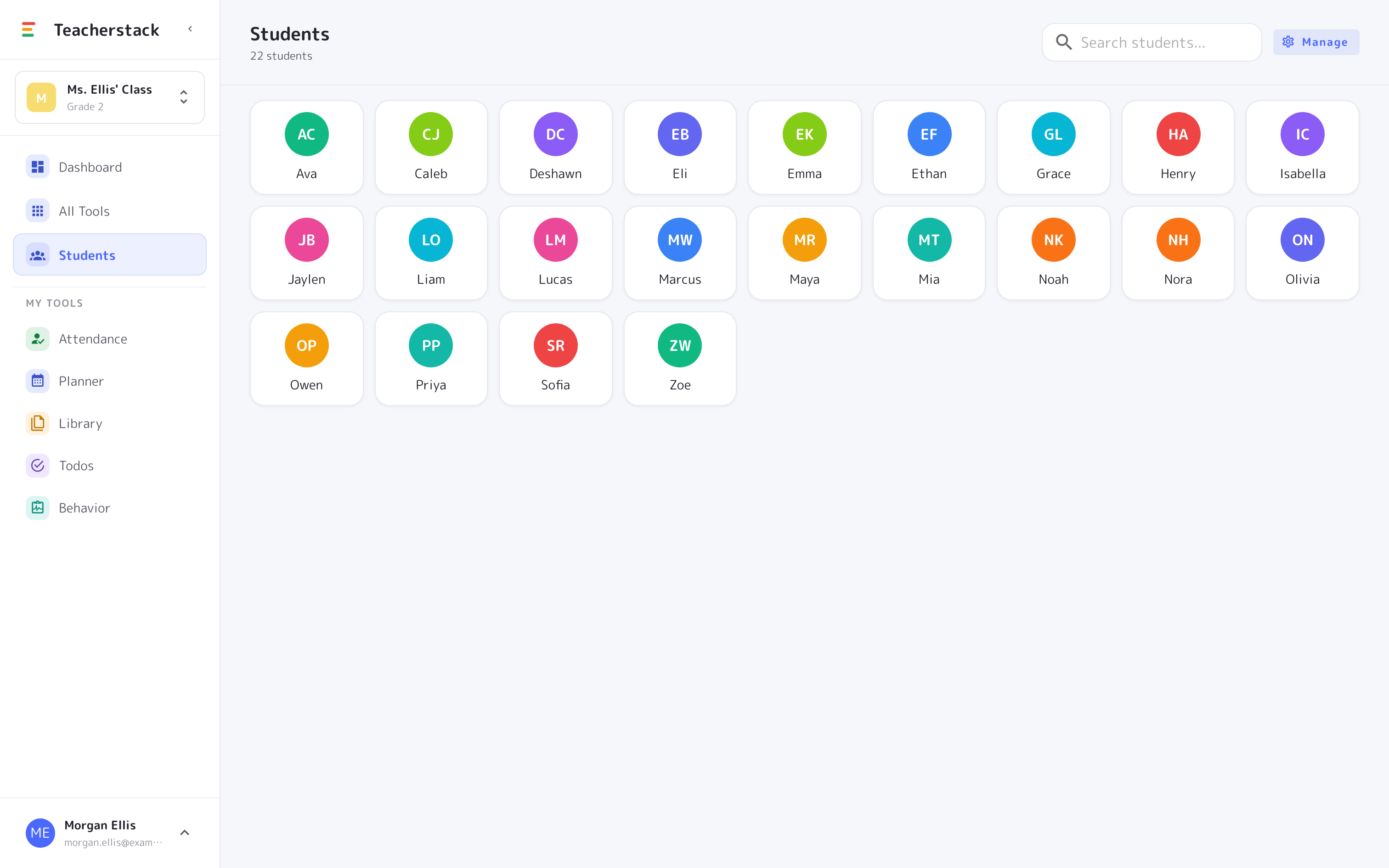
Your master class roster and per-student profiles — notes, attendance, behavior, and check-ins all gathered in one private place.
Free with every TeacherStack account
How it works
Build the roster, then go deeper
Add your class once, and every student's records start collecting.
1
Build your roster
Add your class once and it powers every tool in the stack.
2
Open a profile
Tap any student to see their notes, records, and history.
3
See it side by side
Attendance, behavior, and check-ins together, so context is right there.
Everything about a student, in one place
One roster doing the work of a dozen sticky notes.
One roster, every tool
Add your class once; the same roster powers attendance, behavior, check-ins, and more.
A profile per student
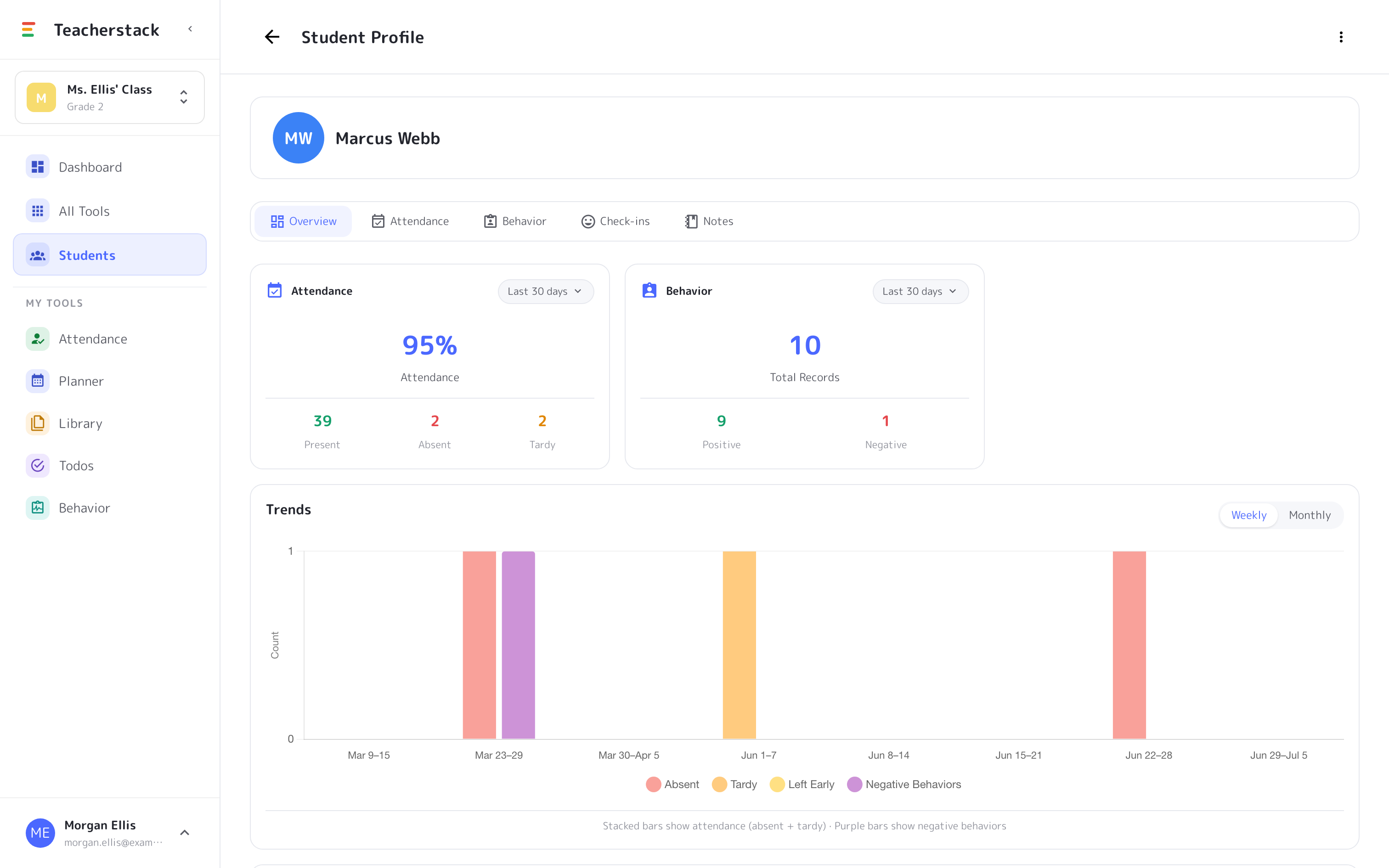
Open any student for attendance, behavior, check-ins, and notes gathered on one screen.
Trends that surface early
A weekly or monthly chart shows a rough patch before it turns into a pattern.
Private notes
Keep timestamped observations that stay just for you — never on the display.
Every student's full history
A complete profile for every student
Open any student to see attendance and behavior at a glance, plus a trends chart that makes changes over the year easy to spot — all in one place, ready for a parent conference.
- Attendance rate and behavior totals side by side
- Weekly or monthly trends across the whole year
- Notes, check-ins, and records on a single timeline
The whole story, one tap away
Notes, attendance, behavior, and check-ins gathered per student, so you walk into a conference or support meeting with the records already in one place.
Get Students and the whole stack
One free account includes every TeacherStack tool.
Sign up — it's free