Display tool
Random Students
Fair, no-arguments student picking.
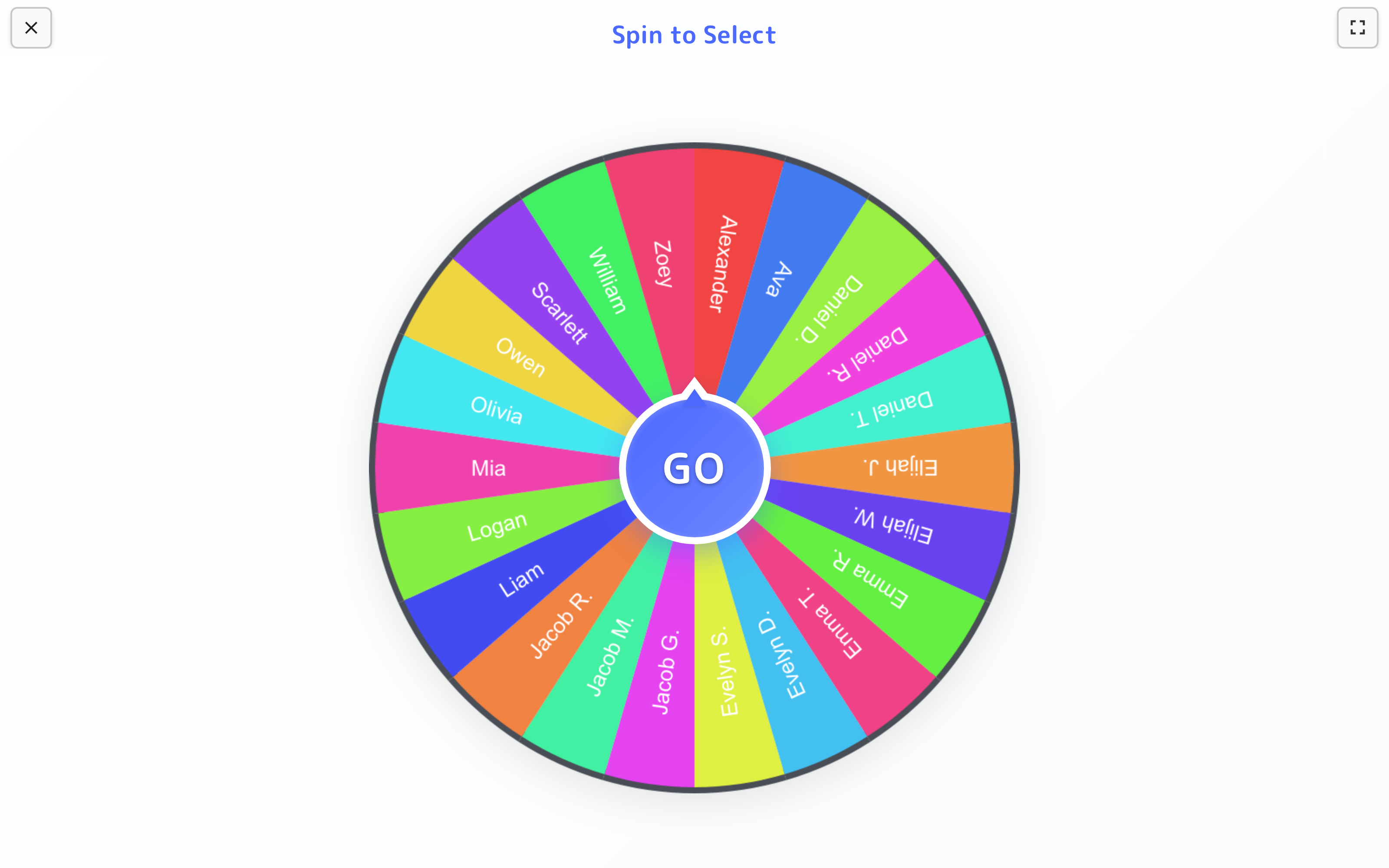
Spin the wheel to call on a student, hand out a classroom job, or form partners. The wheel decides, so you don’t have to.
Free with every TeacherStack account
On the classroom display
How it works
Random Students in three steps
Here’s the whole flow, start to finish.
1
Pick your class
Your roster loads automatically — choose the class and the wheel fills with names.
2
Spin in front of everyone
Launch it on the board and spin. The wheel lands on one name for all to see.
3
Everyone gets a turn
Picked students are set aside until the whole class has had a go, then the wheel resets.
Built for the front of the room
Everything here is about making a pick quick, visible, and easy to trust.
Everyone sees it's fair
The whole class watches the wheel spin and land — so no one can say you always call on the same people.
Your roster, already loaded
Names come straight from your class list, so there's nothing to type before you spin.
Groups and partners too
Beyond single picks, spin up balanced teams or partner pairs in a tap.
How a spin works
Let the wheel do the choosing
Tap GO and the whole class watches a name come up — everyone can see the pick was random.
- 1Names load themselvesYour class roster fills the wheel automatically — no typing names before every spin.
- 2The spin happens on the boardThe wheel turns full-screen in front of the class and lands on a name — not you scanning a list at your desk.
- 3Take names off as they goRemove students who’ve already had a turn so everyone gets called on.
Lives on the whiteboard
Spin it on the big screen so the whole class watches the wheel land together, then get straight back to the lesson.
Get Random Students and the whole stack
One free account includes every TeacherStack tool.
Sign up — it's free